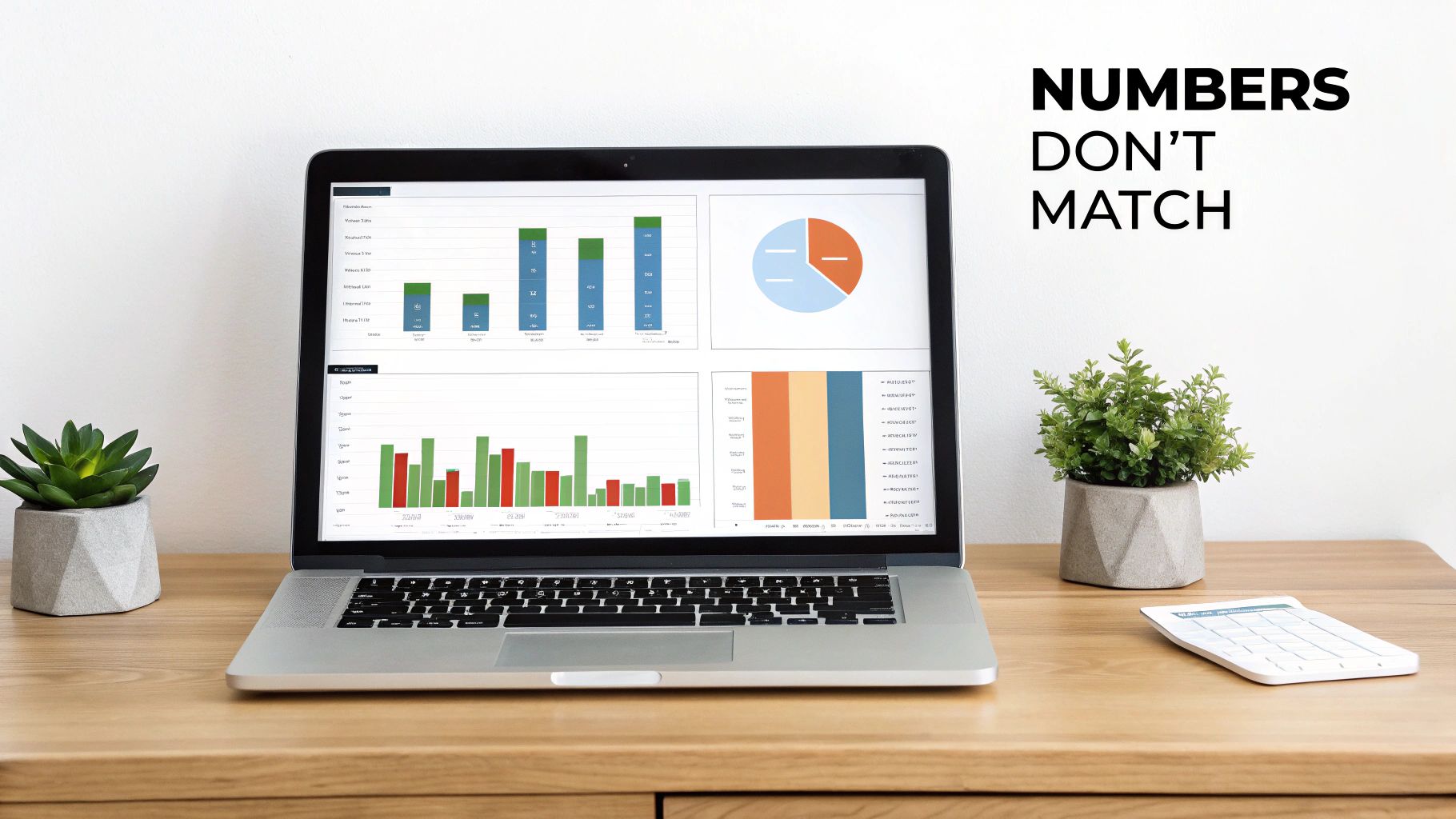
Google Ads and GA4 almost never show the same conversion numbers, and a gap of some size is normal. The main reasons are that the two platforms use different attribution models, credit conversions to different dates, count different sets of users and often track different actions. A discrepancy is only a problem when it’s large, sudden, or caused by a tracking error such as a duplicate or missing tag.
This guide explains why the numbers differ, how to tell an expected gap from a broken set-up, and how to fix the common causes.
Why Google Ads and GA4 report different conversions
Different attribution
Google Ads credits conversions only to Google Ads interactions, using your conversion action’s model (data-driven by default, or last click). GA4 shares credit across all channels, including organic search, email, social and direct. A sale that Google Ads claims may be partly or fully credited to another channel in GA4.
Different dates
Google Ads reports a conversion against the date of the ad click. GA4 reports it on the date the conversion happened. If people click on Monday and buy on Friday, the two platforms will show the sale in different periods, which is especially noticeable in short date ranges.
Different conversion windows and lag
Google Ads counts conversions within the conversion window you set (commonly 30 days for clicks) and keeps adding late conversions to past dates. Recent days therefore look low in Google Ads and fill in over time.
Different counting settings
A Google Ads conversion action set to Every counts multiple conversions per click; One counts only the first. GA4 key events count every occurrence by default unless you configure them to count once per session.
Consent, ad blockers and modelling
Browser privacy features, ad blockers and declined cookie consent stop some tags firing. Google Ads may include modelled conversions to fill gaps; GA4 may also model data or apply thresholds. The two models are separate, so they won’t match.
Cross-device and view-through conversions
Google Ads can report cross-device conversions using signed-in Google data, and can include view-through or engaged-view conversions for video and Display. GA4 doesn’t see those in the same way.
Symptom, cause and fix
| Symptom | Likely cause | Fix |
|---|---|---|
| Google Ads shows roughly double GA4 or the store’s orders | Purchase tracked twice (e.g. Google & YouTube app plus a GTM or hard-coded tag), or two primary conversion actions for the same sale | Keep one source per action; set duplicates to Secondary or remove them |
| Google Ads higher than GA4, especially for ecommerce | Attribution and cross-device differences; counting set to Every | Compare like-for-like (see below); set purchase counting to Every but deduplicate with a transaction ID |
| GA4 higher than Google Ads | GA4 includes all channels; GA4 key event imported into Ads only counts Ads-attributed conversions | Filter GA4 to Google Ads traffic (session source/medium google / cpc) before comparing |
| Last few days don’t match, older periods do | Conversion lag and click-date reporting | Compare periods at least a conversion window old |
| Google Ads conversions suddenly drop to zero | Tag removed, site or theme changed, Shopify checkout upgrade | Check tag diagnostics; see conversions not firing on Shopify |
| GA4 shows (not set) or direct for paid traffic | Auto-tagging off, GCLID stripped by redirects, or GA4 and Ads not linked | Turn on auto-tagging; check redirects keep URL parameters; link the accounts |
| Values don’t match even when counts do | Value includes or excludes GST/shipping differently, or currency mismatch | Use the same value definition and AUD currency in every tag |
How to compare the numbers fairly
- Pick an older date range, at least 30 days in the past, so conversion lag has settled.
- Check which actions are Primary in Google Ads (Goals > Conversions > Summary). Only primary actions feed the Conversions column and bidding.
- Filter GA4 to Google Ads traffic, or use GA4’s advertising reports, so you’re not comparing all channels with one.
- Match the event. Make sure you’re comparing the same action (e.g. purchase vs purchase), not a Google Ads purchase with a GA4 add-to-cart.
- Check your back end. Shopify orders, CRM leads or booked jobs are the source of truth. If Google Ads is close to real orders, a GA4 gap is less of a concern.
Google Ads tag or GA4 import: which should you use?
| Google Ads conversion tag | Imported GA4 key event | |
|---|---|---|
| Data freshness | Faster | Can be delayed while GA4 processes data |
| Cross-device / modelled data | Full Google Ads features, including enhanced conversions | Depends on GA4 data and settings |
| Consistency with GA4 reports | Lower | Higher |
| Set-up effort | Separate tag to maintain | Uses existing GA4 events |
For ecommerce and lead generation where bidding matters, we usually prefer a native Google Ads conversion tag with enhanced conversions as the primary action, with the GA4 import kept as secondary for reference. Don’t set both as primary for the same action, or you’ll double count.
What size of gap is acceptable?
There’s no official threshold. In practice, if the platforms follow the same trend and Google Ads is reasonably close to your actual orders or leads, the set-up is usually fine. Investigate when the gap changes suddenly, when one platform shows conversions and the other shows none, or when Google Ads reports more conversions than you actually received. That last case is covered in Google Ads showing conversions but no sales.
Frequently asked questions
Which number should I trust?
Use Google Ads for optimising Google Ads, GA4 for cross-channel behaviour, and your store or CRM as the source of truth for actual sales and leads.
Will enhanced conversions fix the gap?
Enhanced conversions send hashed first-party data (such as email) to improve matching, which can recover some conversions lost to cookie limits. It improves accuracy but won’t make Google Ads and GA4 match.
Does consent mode matter in Australia?
Consent mode v2 is required for EEA and UK traffic, not mandated for Australian traffic. If you use a cookie banner that blocks tags until consent, expect lower observed conversions in both platforms.
If your numbers are far apart and you can’t tell why, our conversion tracking audits find the cause and fix it, and our Google Ads management keeps bidding running on clean data. For click-level tracking, see how to track button clicks in Google Tag Manager.
Jane James
Jane James is an experienced digital marketer focused on Google Ads, Meta Ads and social media. At Alpha Omega Digital she plans, builds and manages paid advertising campaigns and conversion tracking for Australian businesses, with an emphasis on measurable leads and sales rather than vanity metrics.